Create AI Videos Instantly
Your Multi-Model AI Video Studio For Text & Image to Video
Generate cinematic video and image content across Wan, Seedance, Kling, and Delphin-style workflows with natural language control.
*unofficial fan-built toolkit
Get Inspired
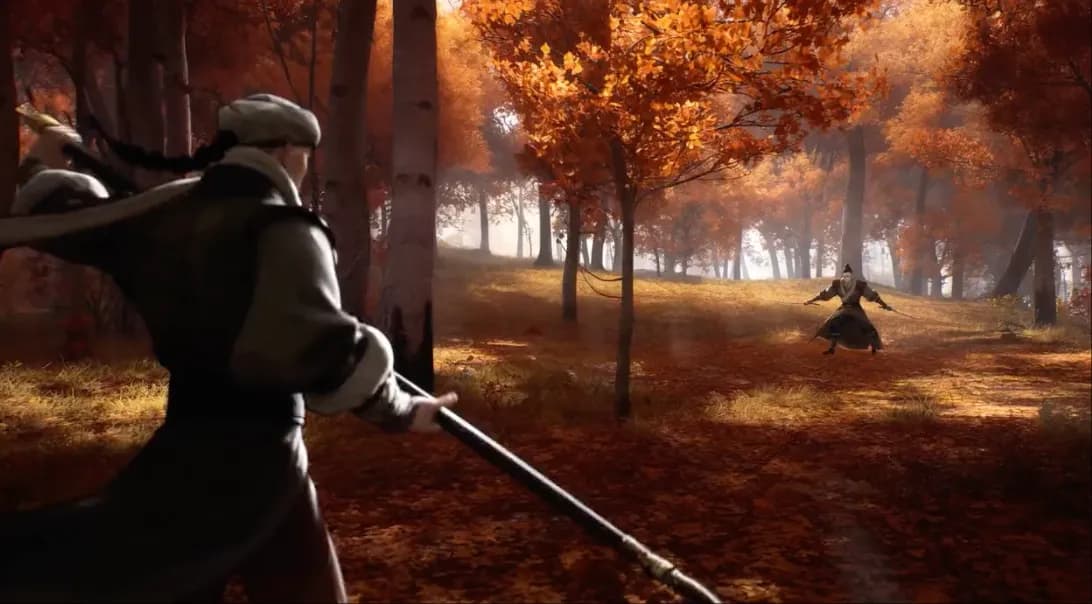
Explore stunning AI-generated videos created with Delphin.
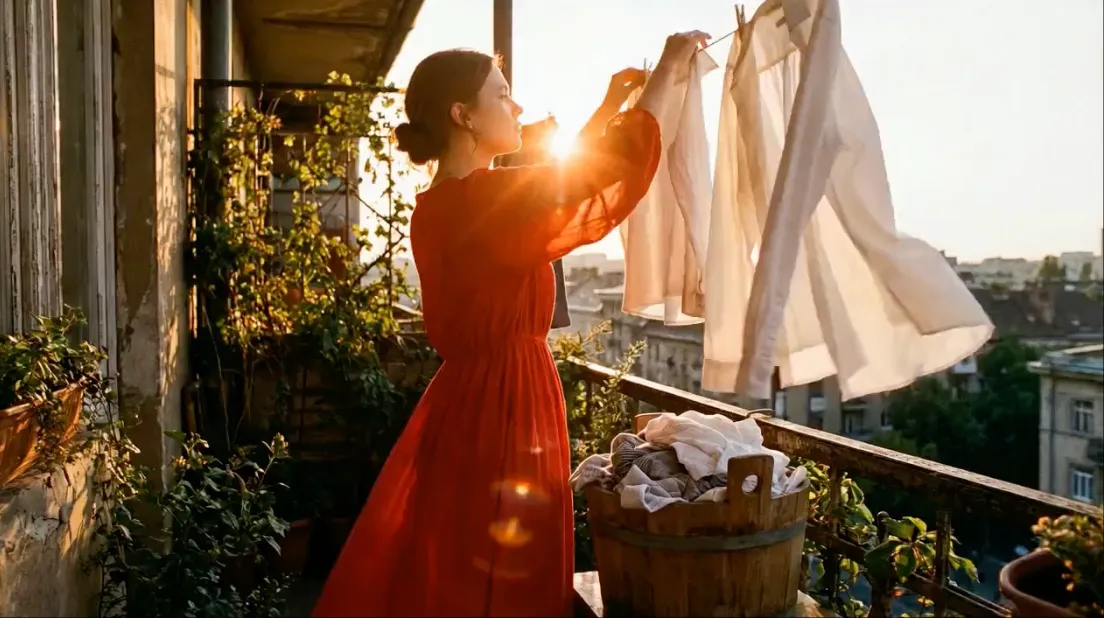
AI Video 1
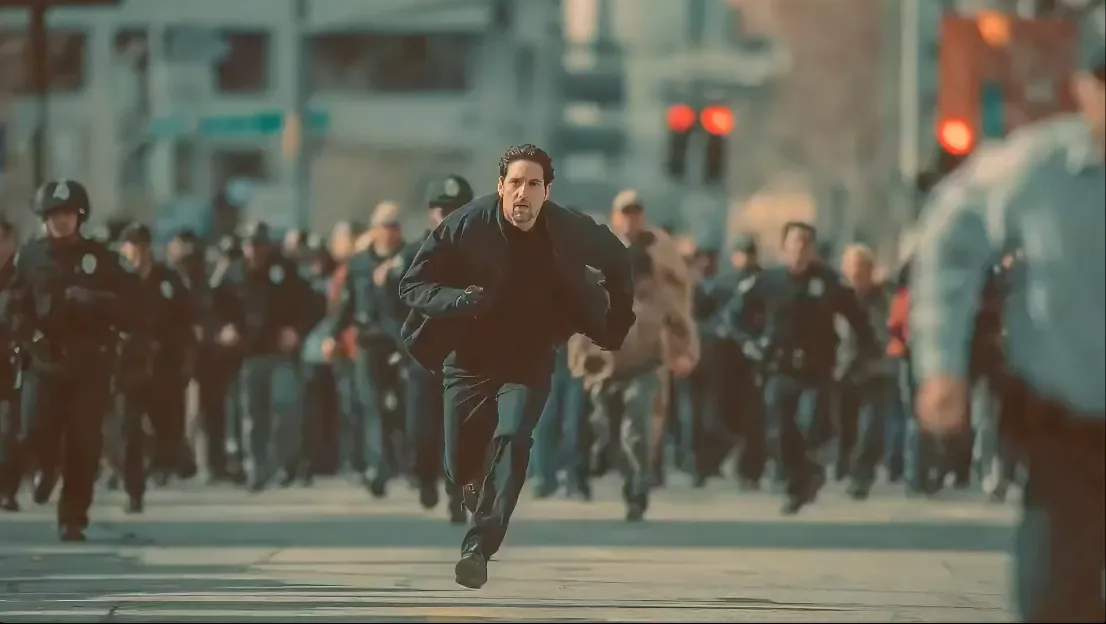
AI Video 2
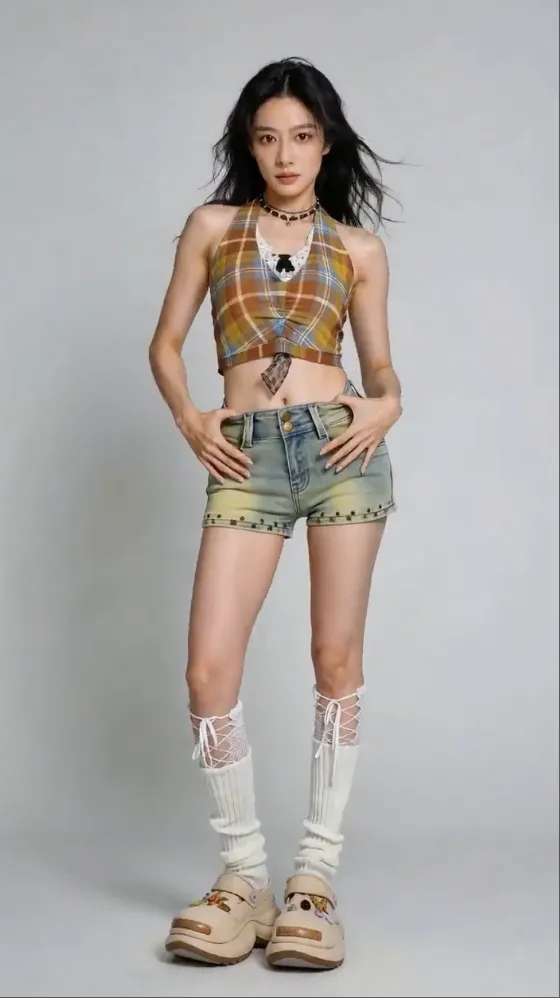
AI Video 3
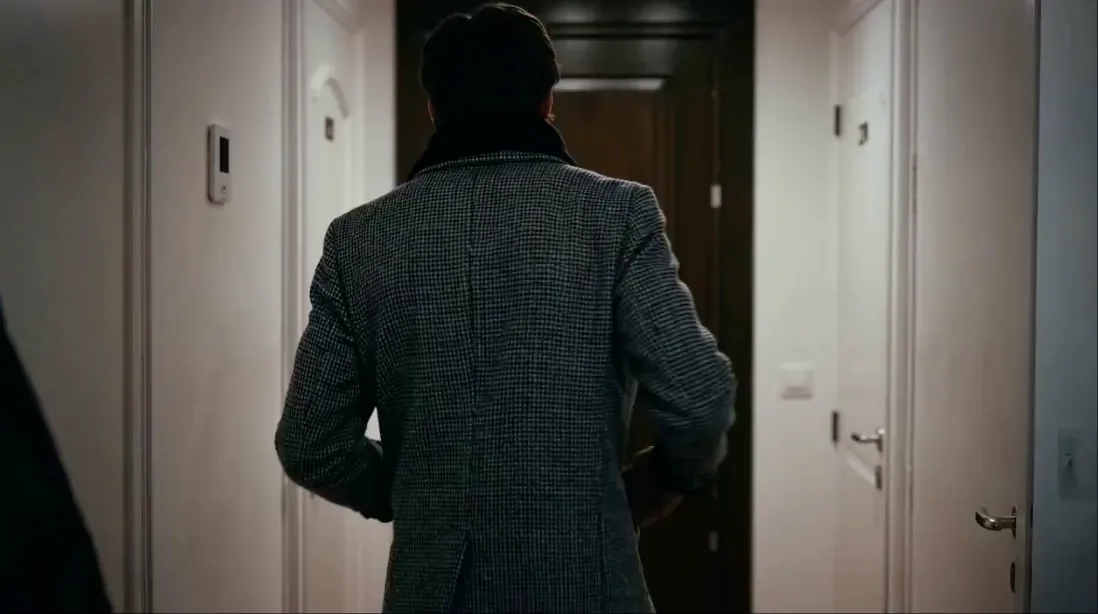
AI Video 4
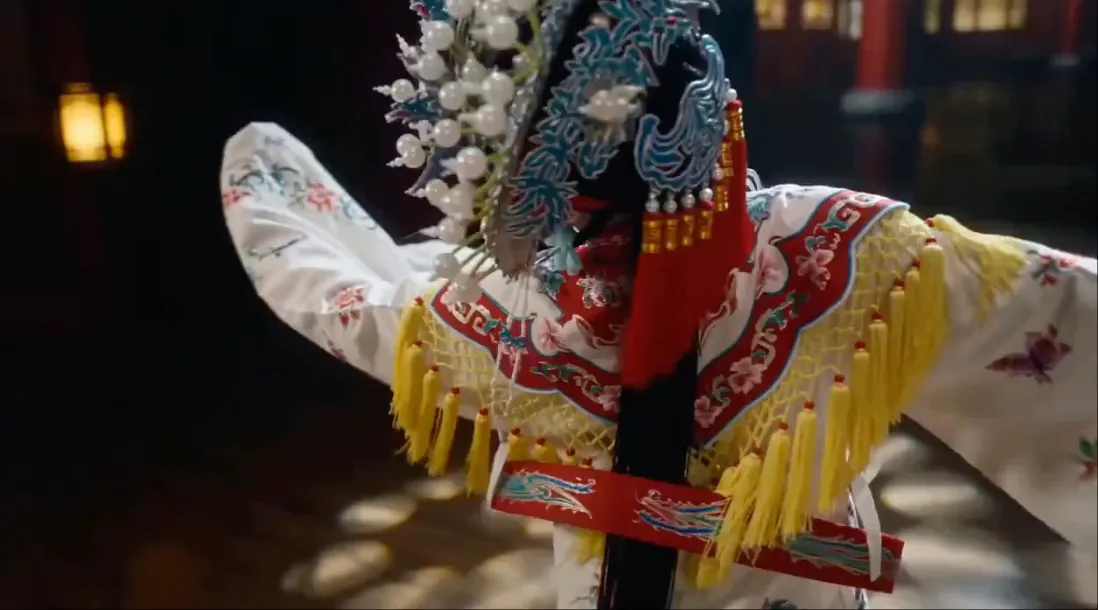
AI Video 5
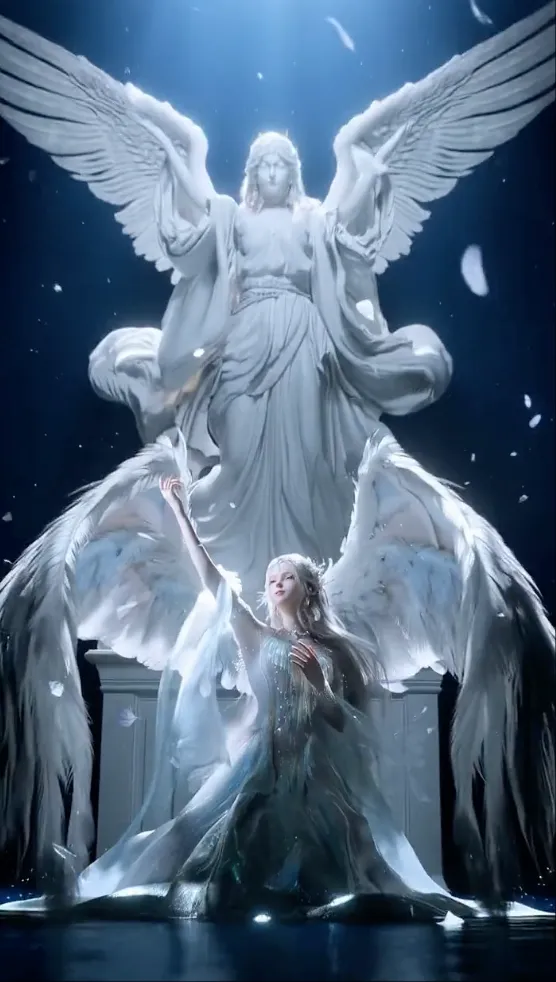
AI Video 6
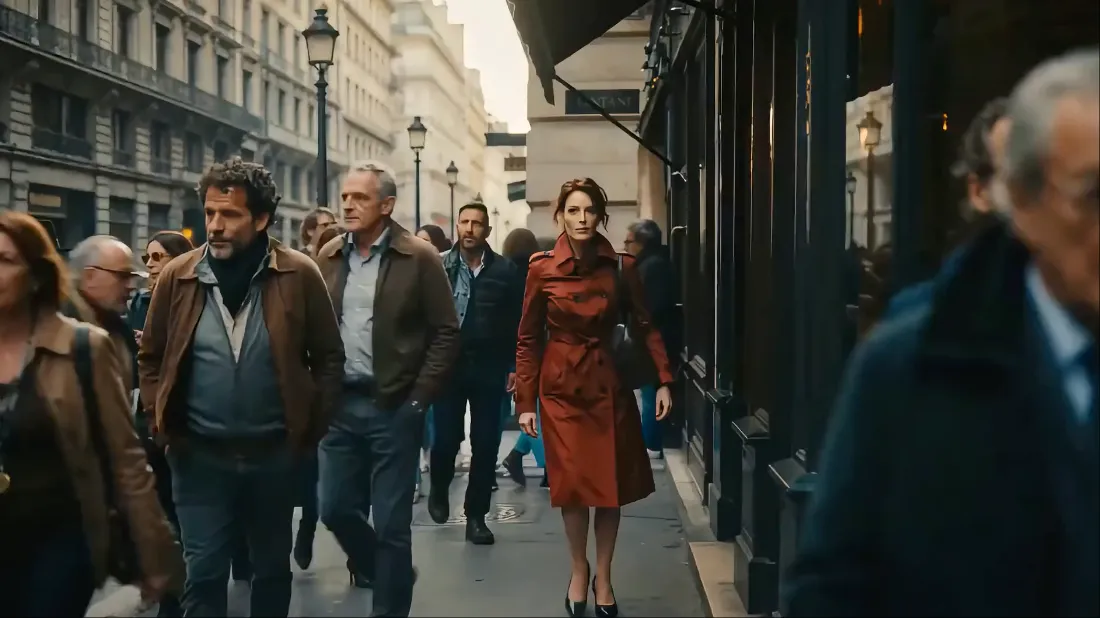
AI Video 7
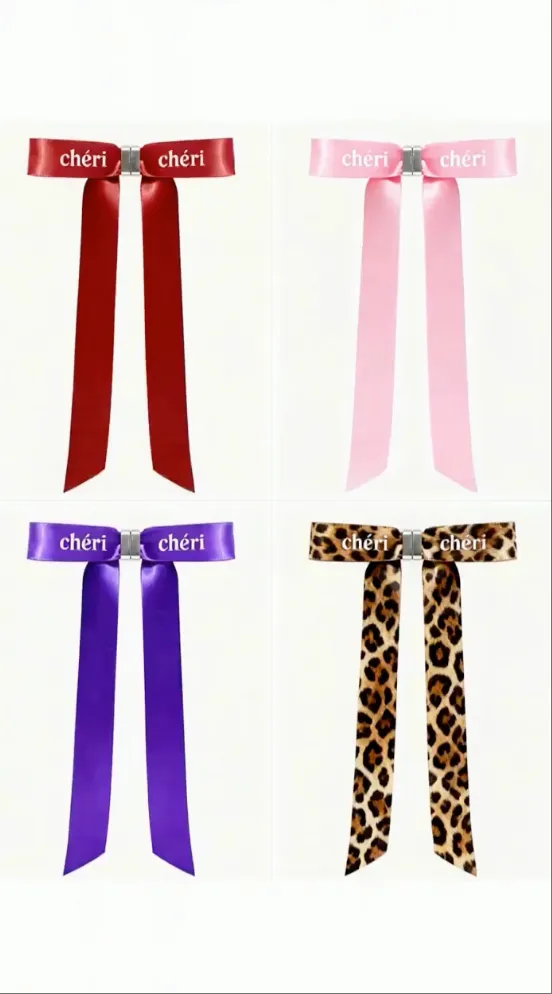
AI Video 8
Powerful Features for Every Creator
Everything you need to create professional-quality AI videos, all in one platform.
Multi-Modal Input
Upload up to 3 images, 3 videos, and 3 audio files. Combine different media types for maximum creative flexibility.
Reference Anything
Reference motion, effects, camera movements, characters, scenes, and sounds using natural language descriptions.
Superior Consistency
Maintain character and style stability across multi-shot sequences with coherent lighting and visual style.
Precise Motion Replication
Copy camera movements and motion patterns from reference videos with frame-accurate precision.
Video Extension & Editing
Extend video clips seamlessly, merge multiple clips, and modify existing footage with AI-powered editing.
Built-in Audio Generation
Generate synchronized sound effects, dialogue, and music that perfectly match your video content.
Endless Possibilities For Every Creator
From marketing to education, Delphin adapts to your creative needs across industries.
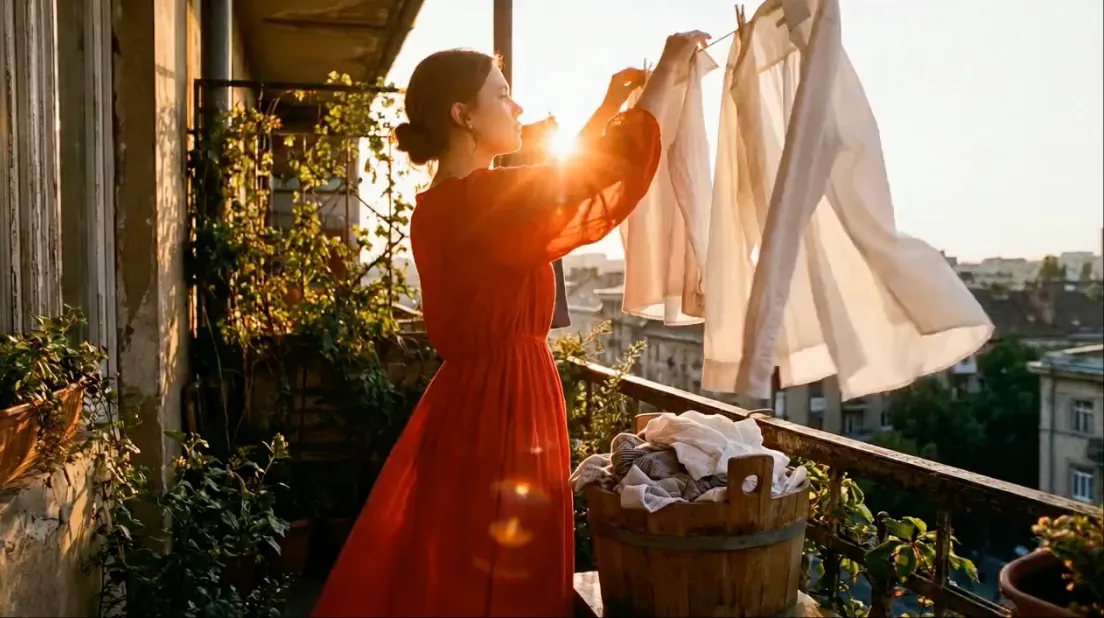
Advertising & Marketing
Create compelling product videos and brand content at scale.
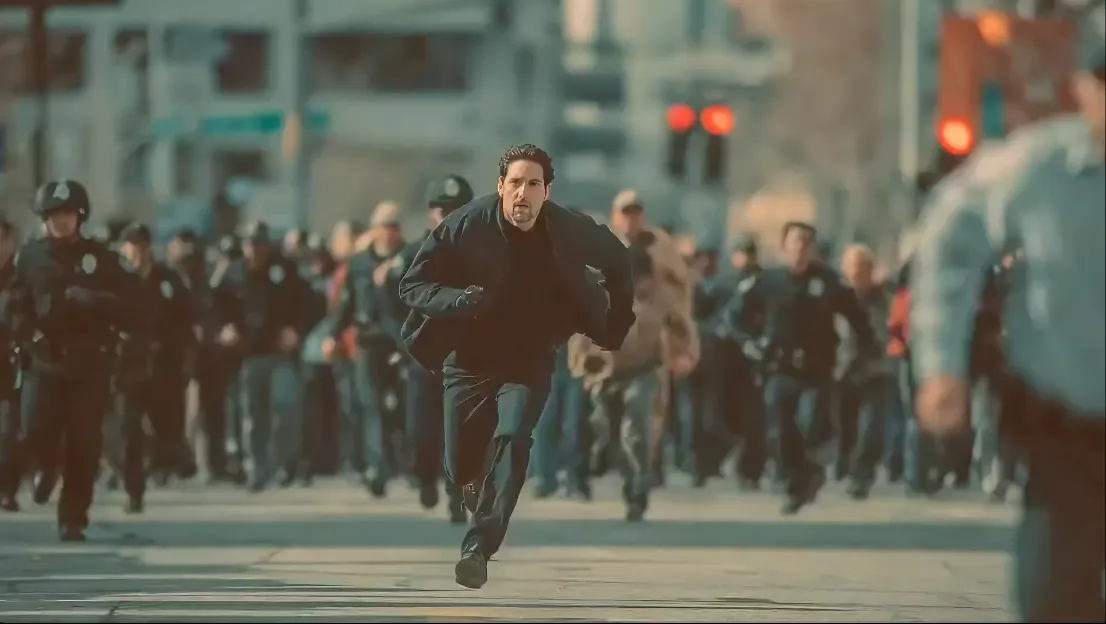
Education & Training
Produce engaging course content and tutorial videos.
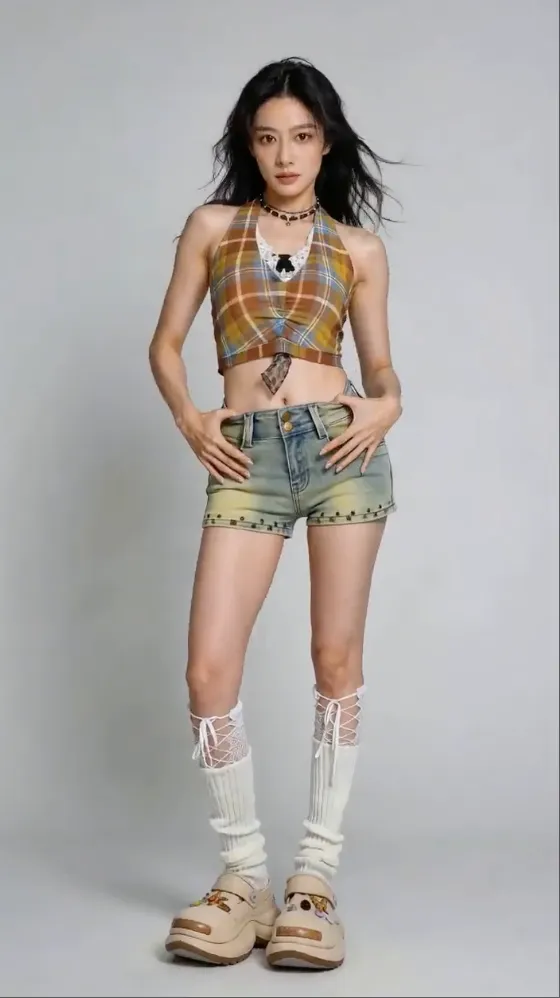
Creative Storytelling
Bring short films and music videos to life with AI.
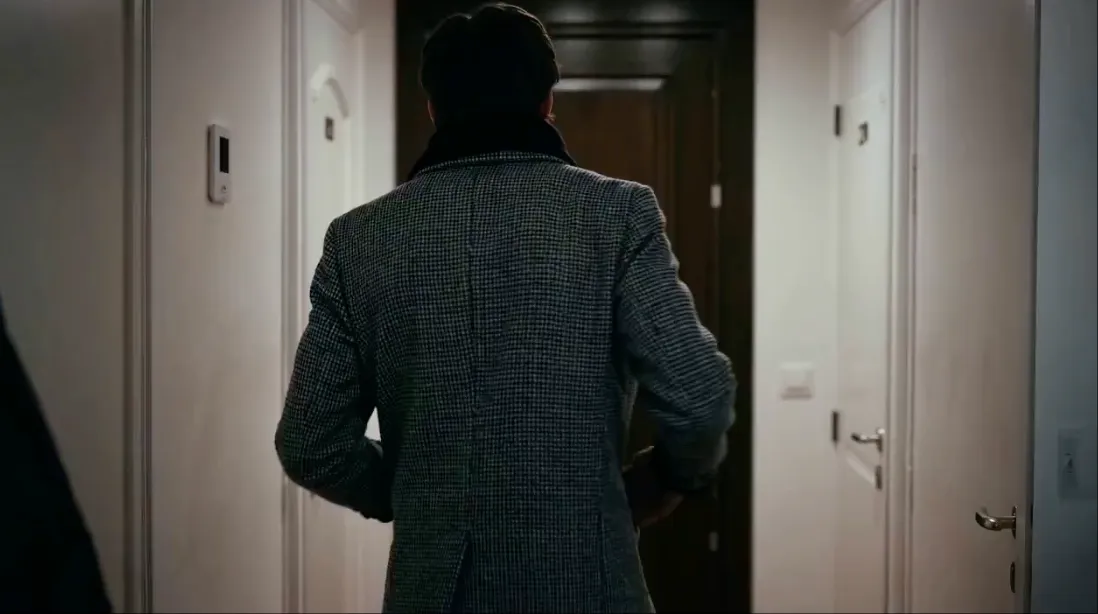
Social Media Content
Generate viral-ready Instagram Reels and TikTok videos.
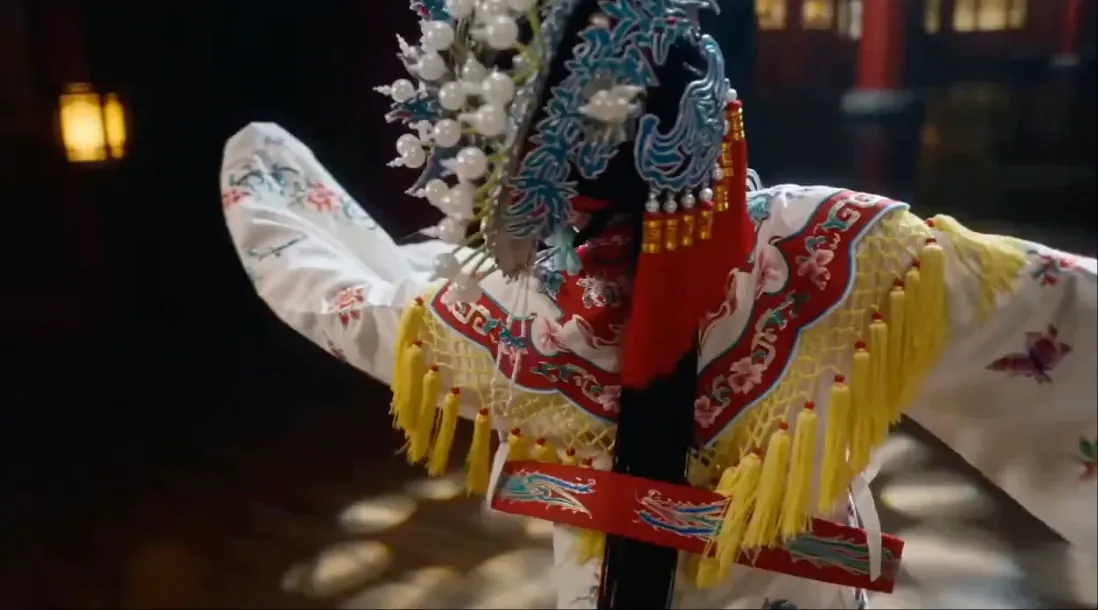
Motion & Dance Videos
Create stunning choreography and action sequences.
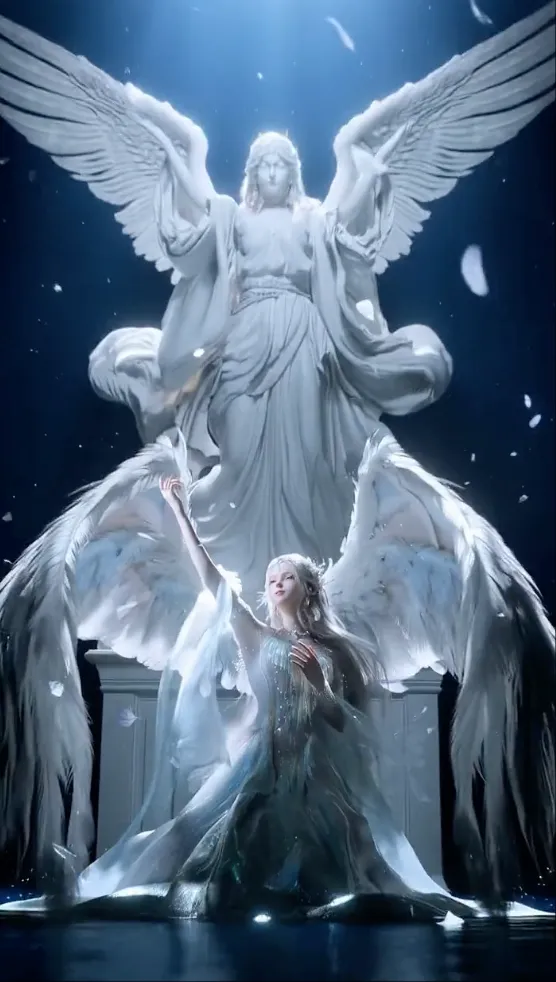
Video Editing & Extension
Extend and modify existing footage seamlessly.
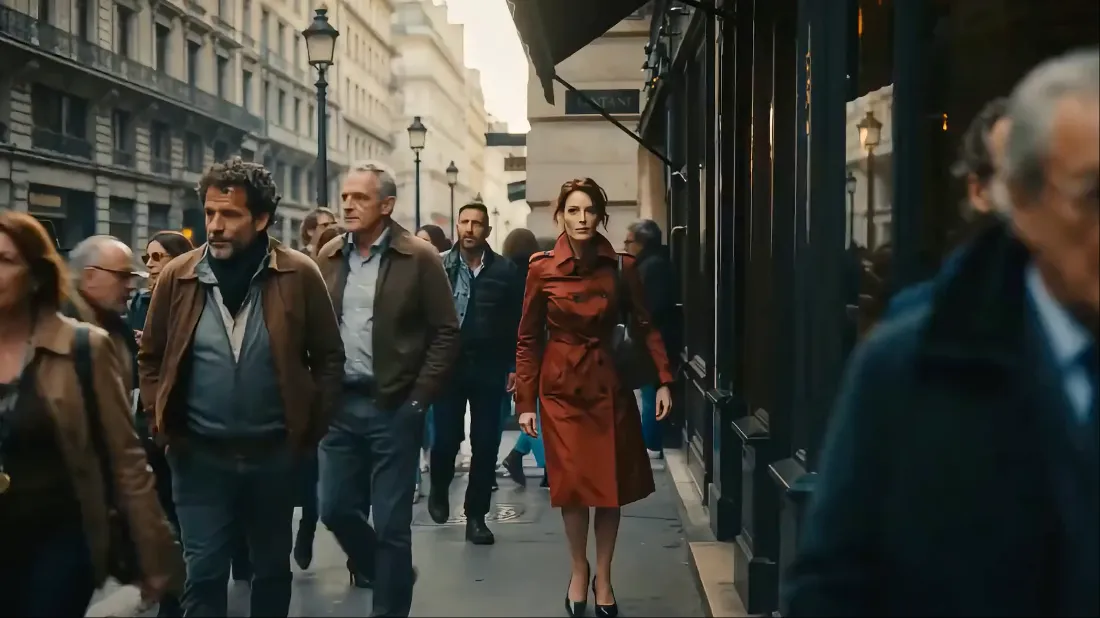
Film Pre-Visualization
Visualize scenes before production with AI storyboards.
Real Estate & Architecture
Virtual property tours and architectural visualizations.
Music & Audio Sync
Create beat-synced videos with perfect audio alignment.
How to Create
From idea to cinematic video in three simple steps.
Upload Your Media
Upload images, videos, or audio files. Combine up to 9 files across different modalities for maximum creative control.
Describe Your Vision
Write a natural language prompt describing what you want. Reference motion, camera angles, characters, and audio style.
Generate & Export
Hit generate and watch AI bring your vision to life. Download watermark-free videos in up to 1080p resolution.
Explore the Content Hub
Delphin landing pages, guides, and use cases built for search
We organize public content by intent so creators can move from inspiration to prompts to production. These links are also the backbone of the site's internal linking system.
Main Workflows
Delphin AI Video Generator for Online Video Creation
Create AI videos online with a Delphin-style workflow that covers text prompts, image references, fast iteration, and higher-quality multi-model output.
Free Delphin AI Video Generator for First Projects
Start creating AI videos online with free starter credits, text-to-video and image-to-video modes, and a clear upgrade path when you need more volume.
Delphin Text to Video Generator with Free Starter Credits
Turn scripts and prompts into AI videos with a Delphin-style text-to-video generator. Start free with starter credits, write scenes faster, and generate online.
Delphin Photo to Video Generator for Reference-Led Motion
Animate photos and still images with a Delphin-style image-to-video workflow built for product shots, portraits, and reference-led motion.
Delphin AI Video Script Generator and Prompt Builder
Turn rough ideas into video scripts, scene prompts, and shot-ready creative briefs with a Delphin-style AI video script generator.
Delphin AI Video Editing Workflow for Clips, Audio, and Motion
Edit and extend video with a Delphin-style AI workflow that supports video uploads, audio references, image-to-video transitions, and Wan 2.7 video editing.
Guides
What Is OpenAI Images 2.0? ChatGPT Images 2.0 Explained
Understand what OpenAI Images 2.0 actually refers to, how it maps to ChatGPT Images 2.0 and gpt-image-2, and why creators are paying attention.
Nano Banana vs OpenAI Images 2.0
Compare Nano Banana and OpenAI Images 2.0 across naming, workflow, editing depth, and developer fit so you can choose the right image stack.
DeepSeek vs OpenAI Images 2.0
Compare DeepSeek and OpenAI Images 2.0 the right way, then use a curated set of DeepSeek resources to decide whether you need open research or a managed image API.
OpenAI Images 2.0 API Integration Guide
Learn how to integrate OpenAI Images 2.0 into a website, what is officially supported today, and how to judge production feasibility before you ship.
Use Cases
Delphin Marketing Videos for Campaign Teams
Use a Delphin-style workflow to create product launches, ad concepts, and campaign motion faster with clearer prompts and multi-modal inputs.
Delphin Social Media Videos for Short-Form Content
Create short-form clips, hooks, and vertical ad concepts with a Delphin-style workflow designed for social media speed.
Delphin Real Estate Videos for Property Storytelling
Use a Delphin-style workflow to turn still property imagery and scene prompts into visual real estate storytelling assets.
Pricing & Comparisons
AI Video API Pricing Comparison: Per-Second vs Credits vs Plans
Compare AI video API pricing across per-second tiers, credits, and plan-style packaging. Learn how to normalize real clip costs before you compare vendors.
Seedance 2.0 vs Sora 2
Compare Seedance 2.0 and Sora 2 across quality, motion, pricing, and availability. See why Seedance 2.0 on Delphin is the top Sora 2 replacement.
Wan 2.7 vs Sora 2
Compare Alibaba's Wan 2.7 against Sora 2 on quality, motion, pricing, and availability. See why Wan 2.7 on Delphin is a top Sora 2 alternative.
Frequently Asked Questions
Everything you need to know about Delphin.
Ready to Create Amazing Videos?
Explore AI-assisted video creation with support for text, image, audio, and video inputs. Start with the tools and plan that fit your workflow.
Get Started